michael
a grayscale theme for grayscale-forced displays — terminal first
The inspector highlights any public GitHub file in michael — no install needed.
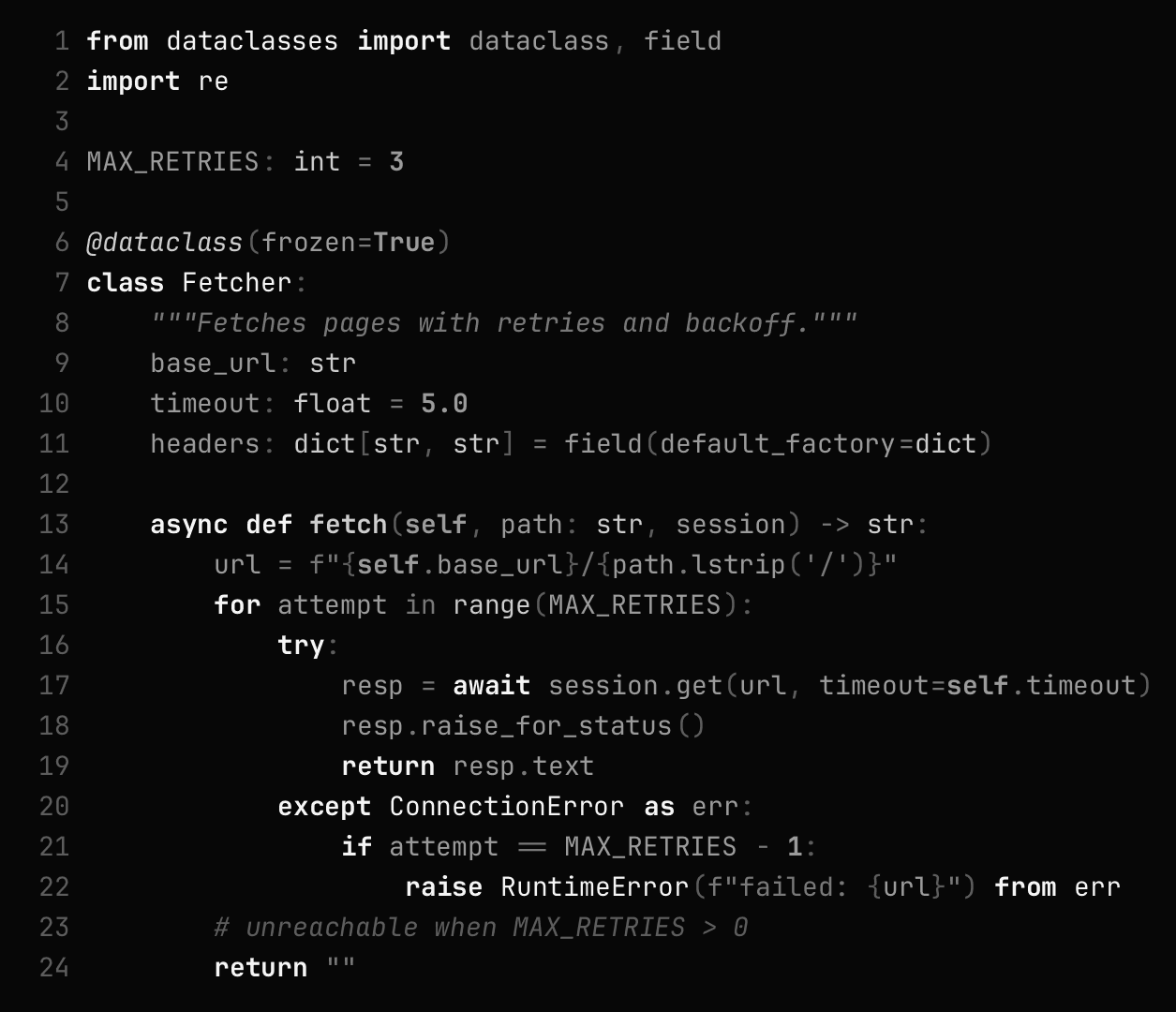
Most themes assume color. On a screen forced to grayscale — desktop monitor or phone — color themes collapse: their token distinctions become whatever lightness accidents the original hues had. michael is authored grayscale from the start. Meaning is carried by lightness × weight × style × overlay, never by hue.
Every value is derived from measurable acceptance gates, and the theme is vision-evaluated against Solarized and Flexoki converted to grayscale the same way your display converts everything else.
The ramp
Ten perceptual steps in OKLCH lightness, off-polar endpoints (never pure black/white), five foreground levels per polarity, tuned so adjacent levels stay ≥ 0.10 OKLCH apart — distinguishable even after aggressive quantization.
The grammar
With no hue, each channel carries exactly one kind of meaning — so any token maps by answering three binary questions instead of "pick a gray":
| channel | values | meaning |
|---|---|---|
| level | ink / strong / fg / muted / faint | importance |
| weight | regular / bold | binding — definitions, keywords |
| style | none / italic | kind — comments, parameters, metadata |
| underline | solid / wavy / dotted | diagnostics only: error / warning / info |
| overlay | fill / outline / inverse | selection, brace match, current search |
In the terminal, bold-is-bright doubles the weight channel as a
brightness escape hatch across all 16 ANSI slots.
Live code — not an image
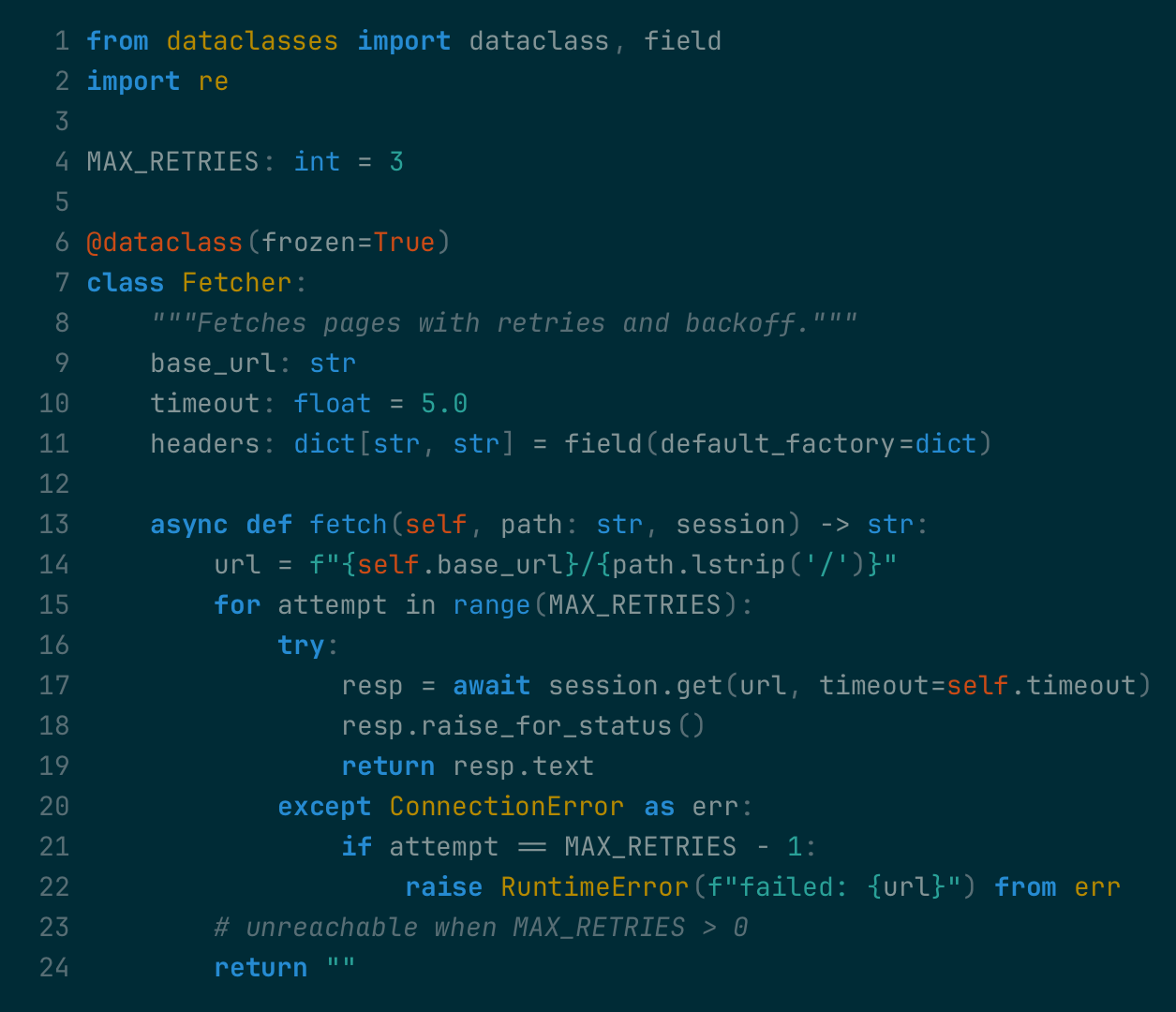
The renders below are PNGs from our eval pipeline. This section is actual highlighted text using our generated highlight.js theme — the same grammar, the same values, live in your browser. Toggle the variant:
The generated CSS ships as site/assets/michael-hljs.css and
out/highlightjs/michael-{light,dark}.css — drop-in themes for any
highlight.js-based blog or docs site.
Showcase
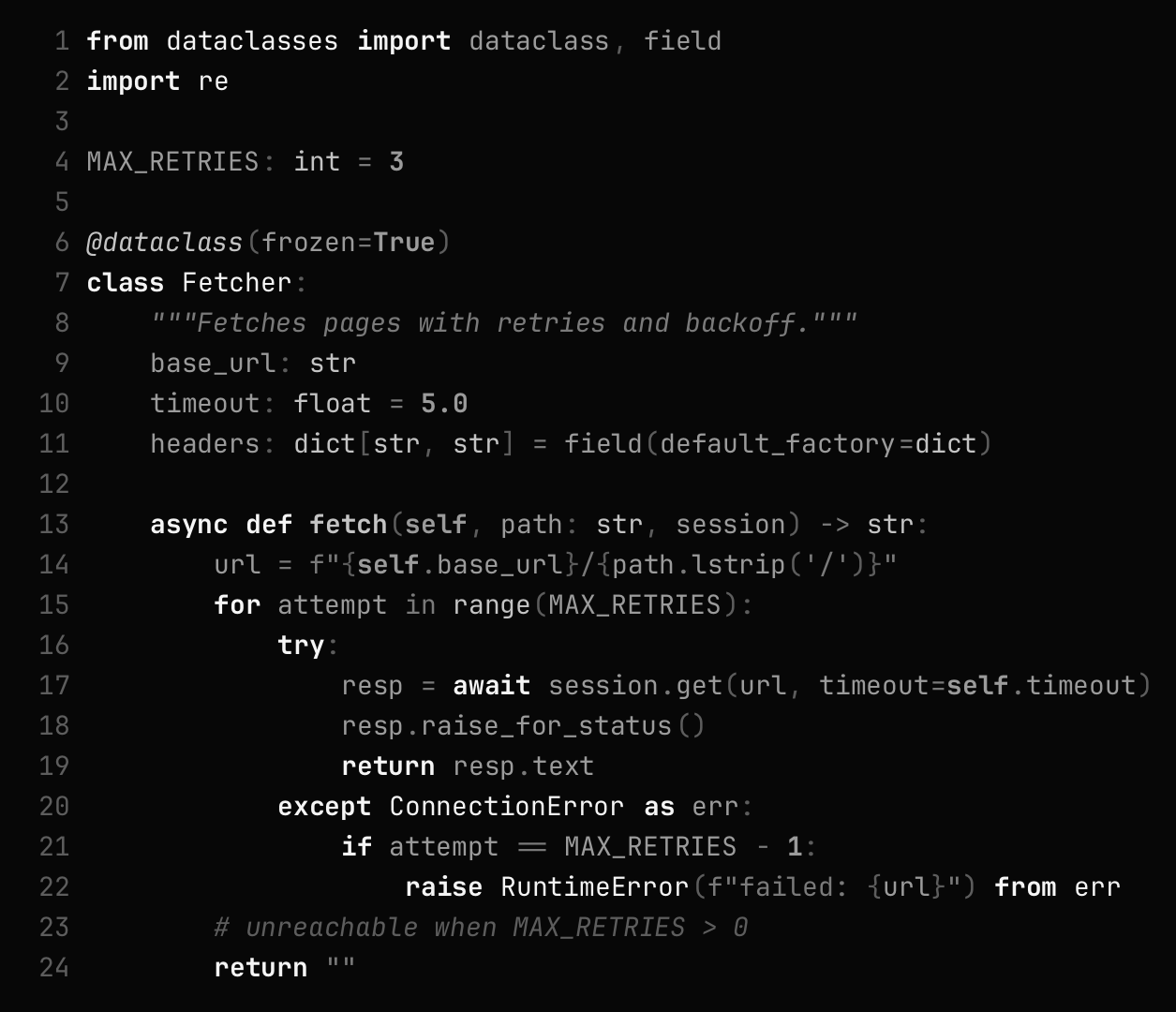
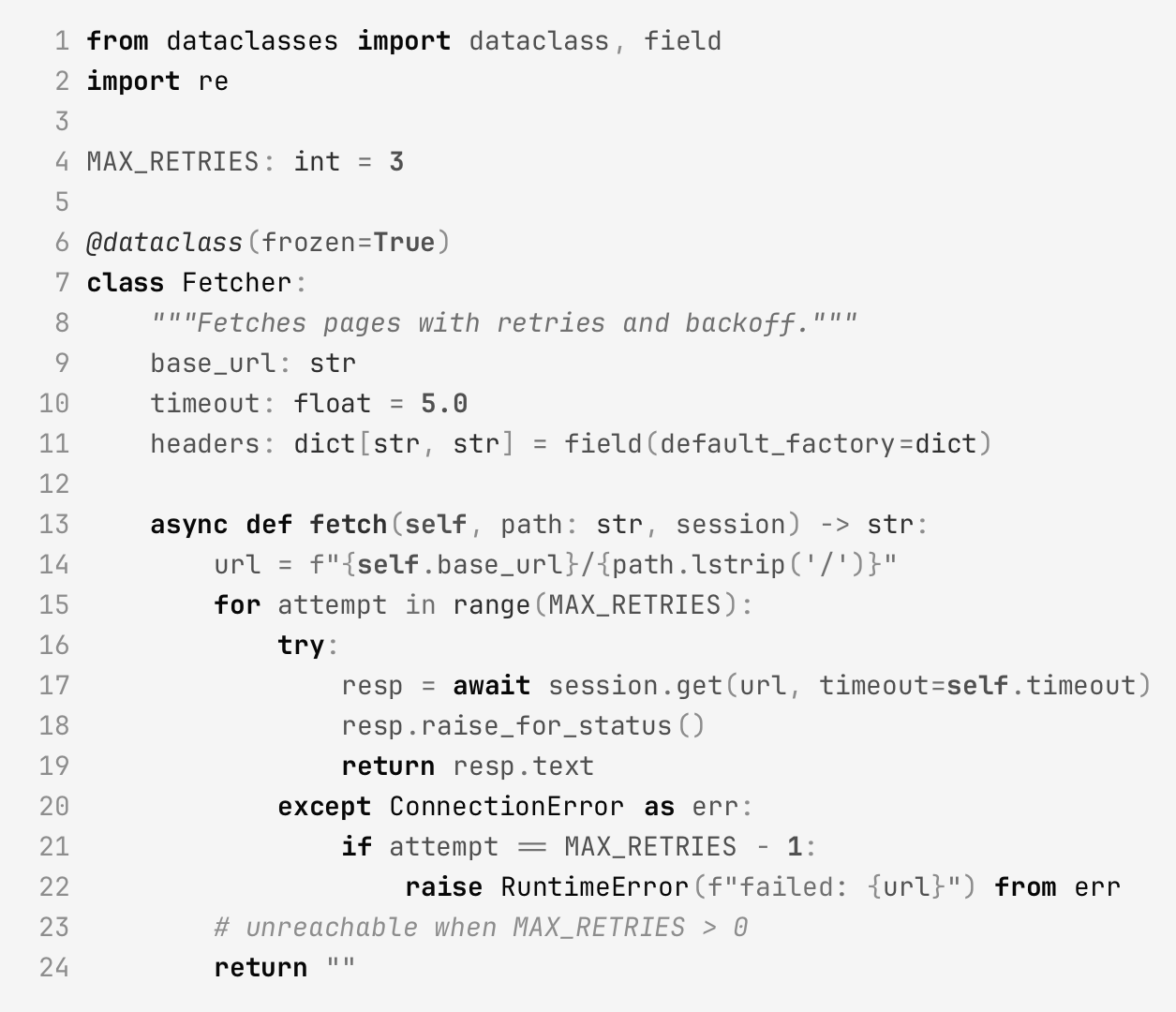
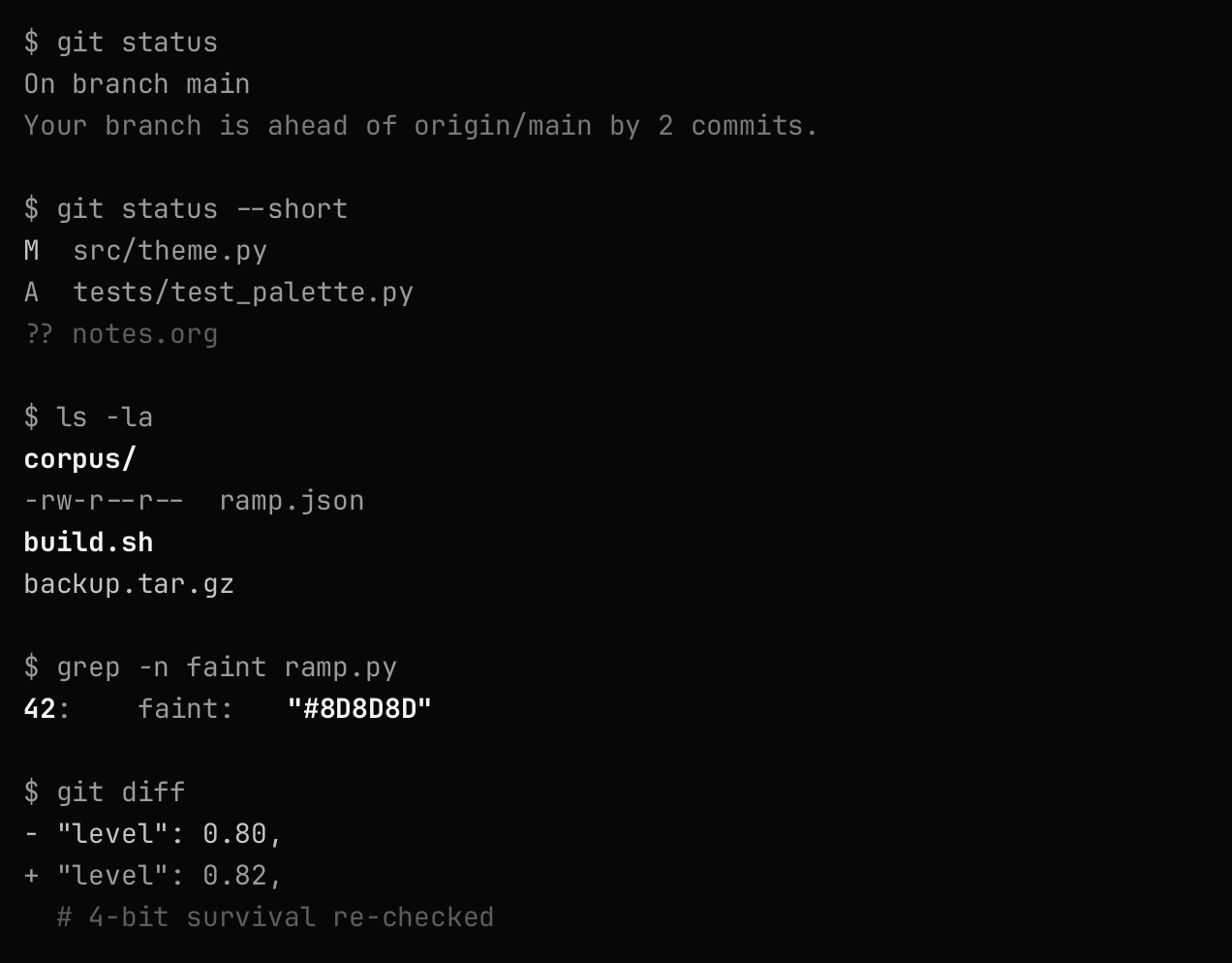
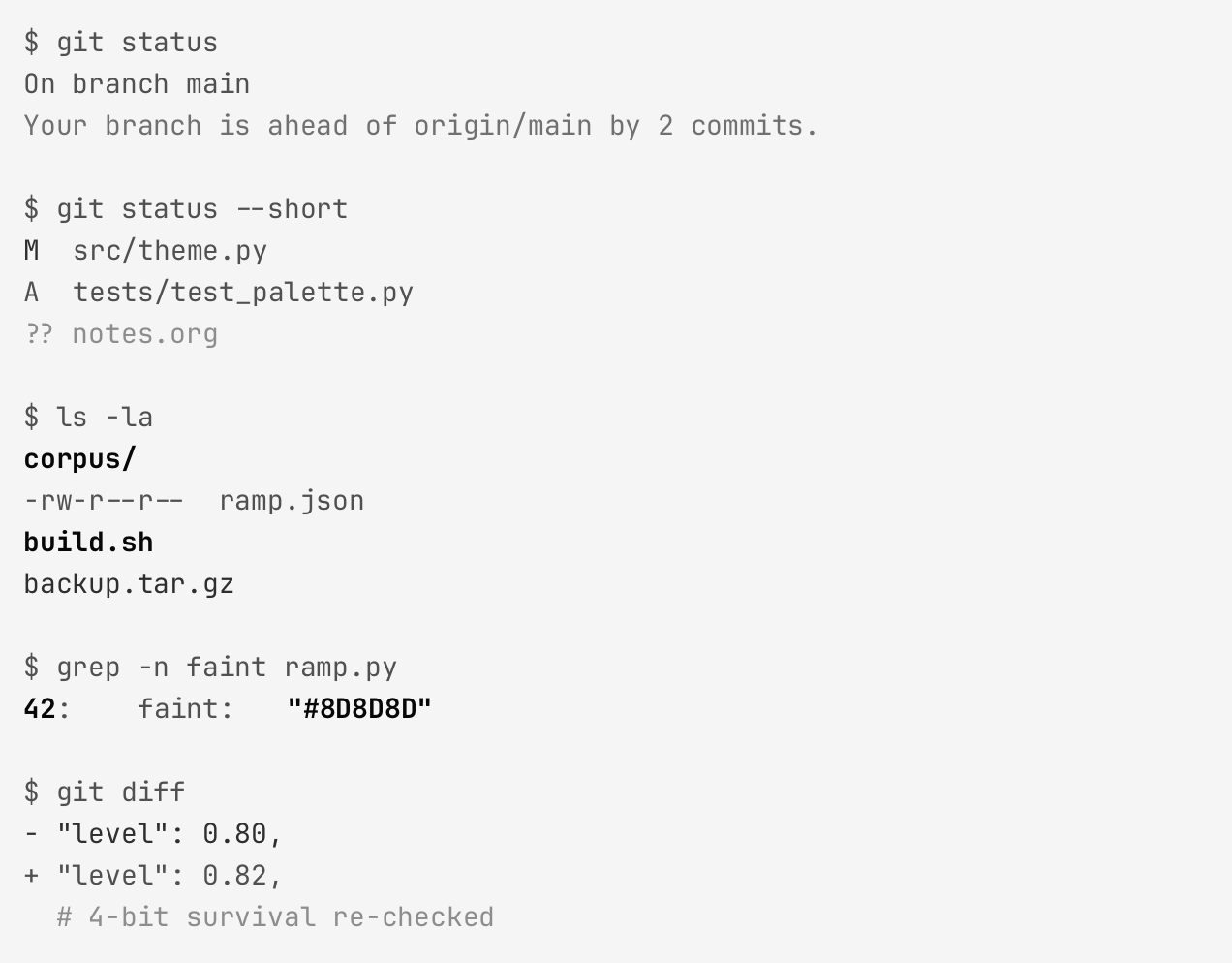
Measured, not vibes
Every hex value must pass acceptance gates before it ships:
| gate | threshold |
|---|---|
| body text contrast | ≥ 7:1 (WCAG AAA) |
| strong / ink levels | ≥ 10:1 |
| muted level | ≥ 4.5:1 |
| de-emphasized level | ≥ 3:1 |
| adjacent level spacing | ≥ 0.10 OKLCH ΔL |
| text on selection | ≥ 4.5:1 |
| 16-gray quantization | all states survive (e-ink floor) |
Against the baselines
Solarized and Flexoki are luminance-preserving grayscaled — exactly what a grayscale-forced display does to them — then graded blind by a vision model on rendered sessions (median of repeated grades, per-class diagnostics).
| theme | terminal separation (0–5) | readability (0–5) |
|---|---|---|
| michael dark | 3.0 | 4.0 |
| flexoki dark | 2.0 | 4.0 |
| solarized dark | 2.0 | 3.0 |
| michael light | 2.0 | 2.0 |
| flexoki light | 1.0 | 2.0 |
| solarized light | 2.0 | 3.0 |
n = 6 images per theme with median-of-3 grading. Full methodology, per-class
diagnostics and the experiment log live in the repository
(corpus/eval-report.md, notes/eval-experiments.org).
What gets lost when a display forces grayscale
Solarized's keyword blue and type yellow, its function cyan and constant orange — on a grayscale-forced screen those hues are destroyed, and every token lands on whatever gray its lightness happens to be. Flip the toggle on the Solarized panel to watch it happen. michael (right) never had a color story to lose: its hierarchy is the gray story, by construction.
Install
Installing needs nothing but Python 3 — the generators are stdlib-only. With no arguments it installs every target at once (GNOME Terminal, Doom Emacs, VS Code, Ghostty); pass the targets you want to install a subset:
git clone https://github.com/charly-vibes/michael.git
cd michael
./install.sh| target | activate |
|---|---|
| GNOME Terminal | Preferences → Profiles → michael light/dark |
| Doom Emacs | (custom-set-variables '(doom-theme 'doom-michael-dark)) |
| VS Code | Preferences: Color Theme → michael light/dark |
| Ghostty | theme = light:michael-light,dark:michael-dark |
| Windows Terminal | merge michael-schemes.json, set colorScheme |
Pick targets with ./install.sh gnome ghostty windows.
The eval pipeline (renders, gates, vision eval) additionally uses
uv — optional unless you want to hack
on the theme.
Gallery
All renders — six languages plus a console session, light and dark, full fidelity and 4-bit, across michael and both baselines — are browsable in the gallery — or paste any public GitHub blob URL into the inspector to see it highlighted live. Filter by language and theme, flip quantization to see the e-ink floor test, and switch render: color originals to see the authentic Solarized and Flexoki colorsets your display destroys.
Links
Repository · Gallery (every render) · Inspector (live-highlight any GitHub file) · ramp.json · tokens.json · eval report